The Annual Google Ad Grant Survey: The Requirement Nobody Talks About
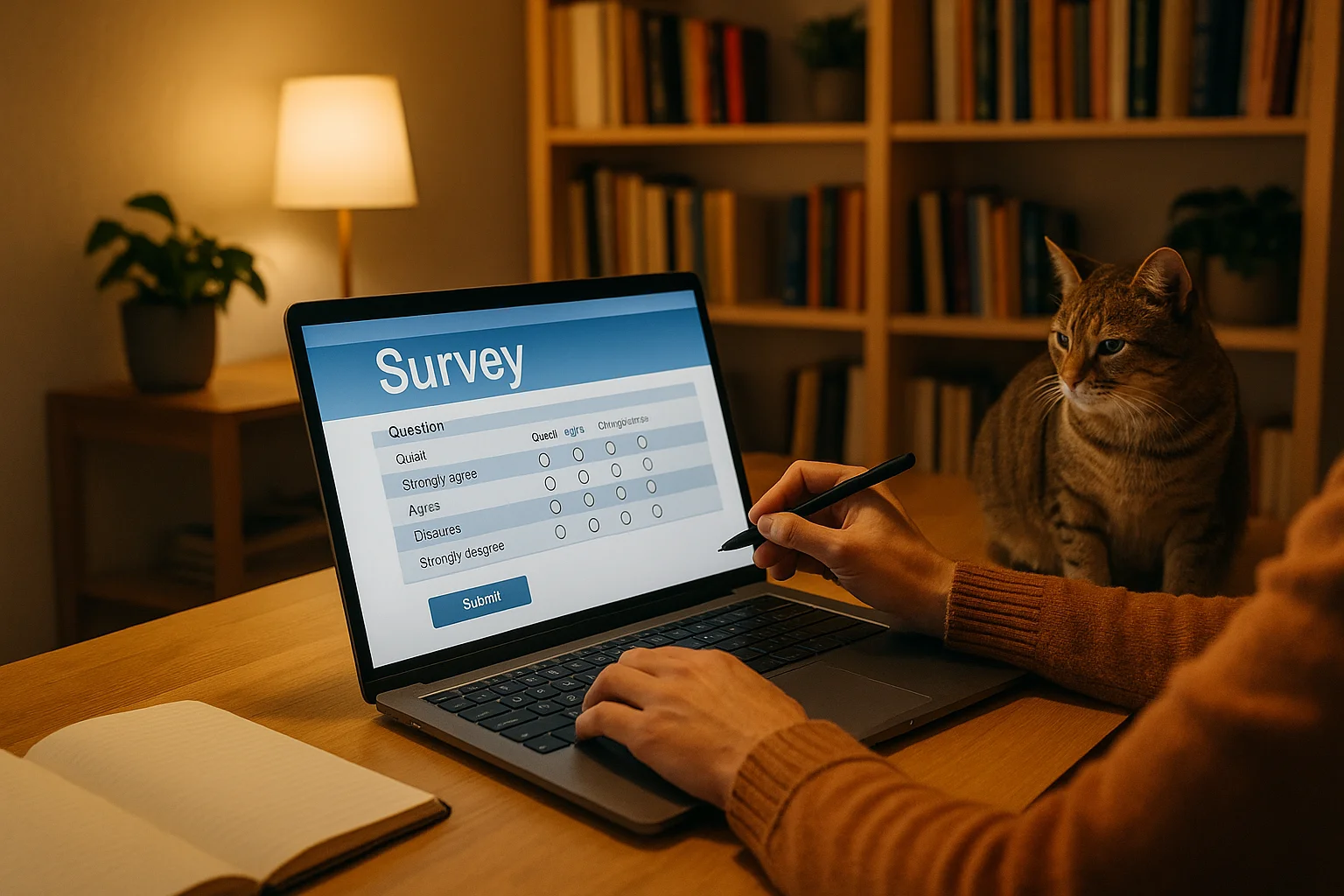
Of all the Google Ad Grant compliance requirements, the annual program survey is the most quietly dangerous. It's not mentioned in most Grant setup guides. It doesn't involve campaign management or account optimization. And yet, failing to complete it results in account suspension, just the same as violating the 5% CTR rule.
Here's what happens: Google periodically sends a survey to all Grant participants asking about how your organization uses the Grant and what results you've achieved. If you don't complete it, your Grant gets suspended. No warning. No grace period.
The reason most nonprofits miss it: the survey notification arrives via email and in-product notifications, and it's easy to overlook, especially if the email goes to spam or the Google Ads account is managed by someone who doesn't check notifications regularly.
This guide covers everything you need to know to make sure the survey never catches you off guard.
Key Takeaways - Google requires all Grant participants to complete a periodic program survey - Missing the survey triggers account suspension - The notification arrives via email and in-product alerts - The most common reason for missing it: the email goes to spam or to a monitored account
What Is the Annual Survey?
Google's Ad Grants team periodically sends surveys to all participating organizations. The survey collects information about:
- How your organization uses the Google Ad Grant
- What results you've achieved (traffic, conversions, impact)
- Your satisfaction with the program
- Suggestions for improving the Grant program
- Your organization's ongoing nonprofit status
The survey is typically short (10-15 minutes to complete) and straightforward. There are no trick questions or performance thresholds you need to hit. Google uses the data to improve the program and verify that participating organizations are still active and engaged.
When Does the Survey Come?
Google doesn't follow a fixed annual schedule that's published in advance. The survey is sent "periodically," which in practice has meant roughly once per year, though the timing varies. It may arrive at different times for different organizations.
Where to watch for it:
- Email: Sent to the email address associated with your Google Ads account (specifically the notification email preferences)
- In-product notifications: The bell icon in the top right of your Google Ads dashboard
- Google for Nonprofits communications: Occasionally communicated through the Google for Nonprofits program channels
Why Nonprofits Miss It (and Get Suspended)
The email goes to spam. Google's survey emails don't always pass every spam filter, especially if your organization uses strict email filtering. Survey notifications from Google can end up in spam or promotions folders.
The email goes to a dormant address. If the person who set up the Grant left the organization and their email is no longer monitored, the survey notification arrives and nobody sees it.
Nobody checks in-product notifications. If your team doesn't log into the Google Ads account regularly (which is already a problem for other reasons), you won't see the in-product notification.
It gets deprioritized. Even if someone sees the survey, they might think "I'll do that later" and forget. Unlike a CTR problem that builds over weeks, the survey deadline can pass with a single oversight.
How to Make Sure You Never Miss It
1. Whitelist Google's Email Addresses
Add these to your email safe senders list:
- Google Ads notification emails (from google.com domain)
verifications@mail.goodstack.org(for Goodstack communications)- Google for Nonprofits communications
2. Verify Your Notification Email
In Google Ads, check which email address receives notifications:
- Go to Admin (gear icon)
- Click Notification settings (or Access and security, then check your account's primary email)
- Ensure the notification email is an actively monitored address
- Opt into all program-related communications
If the notification email belongs to someone who's left the organization, update it immediately.
3. Set Multiple Account Users
Add at least two team members as account administrators. If one person misses the notification, the other might catch it. To add users:
- Go to Admin, then Access and security
- Click the + button to invite a new user
- Set their access level (Admin or Standard)
- They'll receive notifications independently
4. Create a Calendar Reminder
Since the survey arrives roughly annually, set a recurring calendar reminder (every 6 months) to:
- Check Google Ads notifications for any outstanding surveys
- Verify your notification email is still active and monitored
- Confirm your spam filters aren't catching Google communications
5. Log Into Google Ads Regularly
If you're checking your account weekly for CTR monitoring and optimization (which you should be), you'll naturally see in-product notifications. The organizations that miss the survey are almost always the ones that aren't logging in regularly.
What to Do If You've Already Missed It
If your account has been suspended for missing the survey:
- Find the survey. Check your email (including spam/promotions folders) for the survey link. Check your Google Ads in-product notifications.
- Complete the survey immediately. Answer all questions honestly. There's no "wrong" answer; Google is looking for thoughtful engagement, not specific metrics.
- Verify your notification settings. Update the notification email to an actively monitored address if needed.
- Submit a reactivation request. Follow the standard reactivation process: go to Google's reactivation form, enter your Customer ID, explain that you've completed the survey, and request reinstatement.
- Wait 5-10 business days for Google to process your reactivation.
Common Questions About the Survey
What if I can't find the survey?
If you can't locate the survey in email or notifications, contact Google Ads support (click the "?" in your Google Ads account) and explain that your account was suspended for missing the program survey. They can often resend the survey link or direct you to the correct form.
Does the survey ask about specific metrics?
The survey includes questions about your organization's Grant utilization, but it's not a performance evaluation. Google won't deny reactivation because your spend is low. They want to understand how you're using the program and collect feedback.
A common Customer ID mistake: When completing the survey, you'll be asked for your Google Ads Customer ID. This is the 10-digit number shown at the top of your Google Ads account (format: XXX-XXX-XXXX). A wrong Customer ID can prevent your survey response from being matched to your account.
Monitor Your Compliance with GrantMax
GrantMax monitors all compliance requirements for your Grant account, including alerting you about pending notifications and survey deadlines. Don't let a missed email cost you $10,000/month in free advertising.
Check My Compliance Status - Free
Prefer to hand it off to an expert? Our Google Ad Grant management services include compliance monitoring and notification management. Explore Grant Services
Frequently Asked Questions
How often does the survey come? Google sends it "periodically," which has typically been roughly once per year. The exact timing varies and isn't announced in advance.
Is the survey the same for nonprofits in every country? The survey is sent to all Grant participants globally. The content may vary slightly, but the requirement to complete it is universal.
Can I complete the survey on behalf of another person in my organization? Yes. Anyone with access to the Google Ads account can complete the survey. What matters is that it's completed accurately for your organization.
What happens if I get suspended for the survey but also have other compliance issues? You'll need to fix all compliance issues before reactivating, not just complete the survey. Google reviews the entire account during reactivation. See our reactivation guide.
Key Takeaways
- The annual survey is a real compliance requirement that triggers suspension if missed
- The #1 cause of missing it: notification email goes to spam or to an unmonitored address
- Whitelist Google's email addresses and verify your notification settings
- Have multiple account administrators so no single person is the point of failure
- Log into Google Ads regularly to catch in-product notifications
- If suspended for missing the survey: find and complete it, then submit a reactivation request
- The requirement is the same globally for all Grant participants
Published: March 2026 | Last Updated: March 2026 | Author: GrantMax Category: Compliance | Tags: Compliance, Troubleshooting