My Google Ad Grant Account Is Locked and I Can't Edit It to Fix Compliance: What Now
This is one of the most frustrating situations in Google Ad Grant management. Your account has been suspended for a compliance violation. To get reactivated, you need to fix the violation. But when you log in, the account is locked from editing. You can't pause keywords, change bid strategies, add sitelinks, or make any of the changes needed to become compliant.
It's a genuine catch-22, and it affects a meaningful number of suspended Grant accounts. The good news: there are specific paths to resolution.
Key Takeaways - Some (not all) suspended accounts are locked from editing - Google support can unlock the account or process your reactivation based on planned fixes - Calling Google Ads support directly is the fastest resolution path - The reactivation form also works; describe the changes you'll make once access is restored
Why Some Suspended Accounts Get Locked
Not every suspended account is locked from editing. Google's system handles suspensions inconsistently:
- Some accounts: Campaigns are paused but you can still edit settings, keywords, ads, and structure. You fix the issues, then request reactivation.
- Other accounts: The entire account is in a read-only state. You can view your campaigns and data but cannot make any changes. This is the catch-22 scenario.
There's no clear pattern for which accounts get locked vs. which don't. It appears to depend on the type of violation, severity, and how Google's system processes the suspension.
Path 1: Call Google Ads Support (Fastest)
The most reliable solution is to contact Google Ads support directly:
- Find the support number: In your Google Ads account, click the "?" help icon in the top right. Look for the phone or chat support option. (Even locked accounts should still show the help menu.)
- Have your Customer ID ready: The 10-digit number at the top of your Google Ads dashboard.
- Explain the situation clearly: "My Google Ad Grants account has been suspended and is locked from editing. I need to make compliance changes to fix the issues, but the account is in read-only mode. Can you unlock it so I can make the necessary edits?"
- Be specific about what you need to change: Tell them which compliance issues you've identified (using the 13 common suspension reasons as your diagnostic guide) and what changes you plan to make.
- Ask them to either: Unlock the account for editing, or process your reactivation based on the planned changes you describe.
Typical outcome: Google support can often unlock the account within the call or within 1-2 business days. Once unlocked, make your compliance fixes immediately, then submit the reactivation request.
Path 2: Submit the Reactivation Form with Planned Changes
If you can't reach support or prefer a written approach:
- Go to Google's reactivation request form
- Enter your Customer ID
- In the description, explain:
- Your account is locked from editing
- You've identified the compliance issues (list them specifically)
- You've documented the exact changes you'll make once access is restored
- You're requesting that Google either unlock the account or process reactivation so you can implement the fixes
- Submit the form
Typical timeline: 5-10 business days for a response. Google may unlock the account, reactivate it conditionally, or provide specific instructions.
Path 3: Use Google Ads Editor (Sometimes Works)
In some cases, the web interface is locked but Google Ads Editor (the desktop application) retains editing access:
- Download Google Ads Editor if you don't have it
- Sign in with the Google account associated with the Grant
- Download your account data
- Try making changes (pausing keywords, changing bid strategies, etc.)
- Upload the changes
This doesn't work for all locked accounts, but it's worth trying before going through the support process.
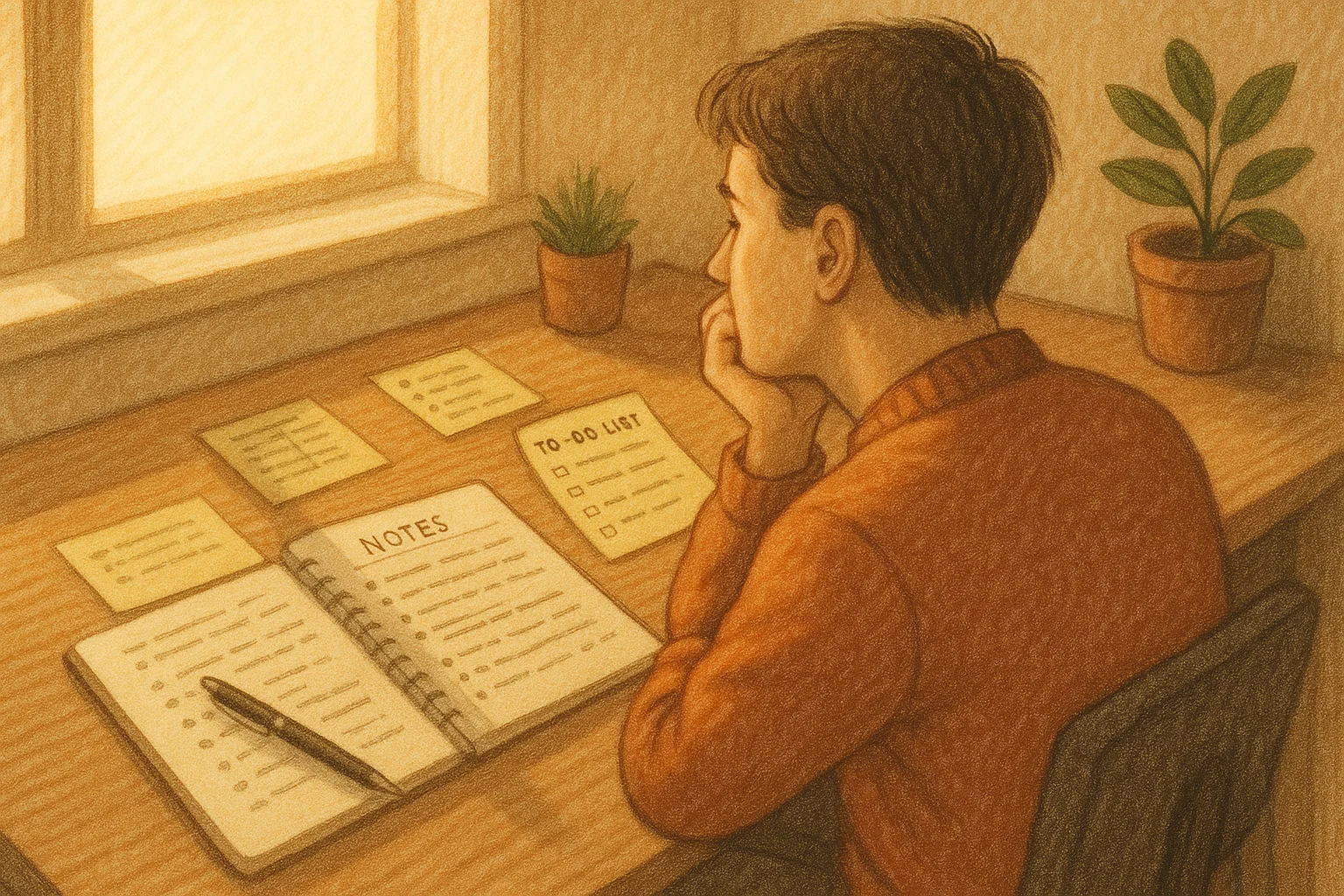
What to Do While Waiting
While your account is locked and you're waiting for resolution:
Document every change you plan to make:
- Keywords to pause (QS below 3, single-word violations, generic terms)
- Bid strategies to switch (any campaigns on Manual CPC need Maximize Conversions)
- Sitelinks to add (if below the minimum 2)
- Geo-targeting to fix (any campaigns targeting "All countries")
- Conversion tracking fixes needed
Prepare assets in advance:
- Write new RSA headlines and descriptions
- Build a negative keyword list
- Identify the landing pages each campaign should point to
- Set up GA4 conversion tracking on your website (this doesn't require access to Google Ads)
Having everything prepared means you can implement all fixes within hours once the account is unlocked, rather than spending days on changes after access is restored.
Preventing the Lock in the Future
Once you regain access and get reactivated:
- Set up automated compliance monitoring (via GrantMax or automated rules in Google Ads) to catch issues before they become suspensions
- Monitor weekly: Check CTR, Quality Scores, and conversion tracking every week
- Respond to Google notifications immediately: Don't let compliance warnings sit unread
- Keep multiple admins on the account so someone always has access
- Never let a suspension happen twice: Repeated suspensions are treated more severely and the lock is more common on second or third suspensions
Get Help with Your Locked Account
GrantMax can audit your suspended account (even in read-only mode) and identify every compliance issue, so you have a complete fix list ready for when the account is unlocked. Don't waste time guessing what needs to change.
Audit My Suspended Account - Free
Prefer to hand it off to an expert? Our Google Ad Grant management services include suspension recovery and reactivation. Explore Grant Services
Frequently Asked Questions
How long does it take Google to unlock a suspended account? Via phone support: often within the call or 1-2 business days. Via the reactivation form: 5-10 business days for a response. The phone route is significantly faster.
Will I lose my campaign data if the account stays locked? No. The data is preserved regardless of how long the account stays locked. Your campaigns, keywords, ads, and historical data remain intact.
Can I create a new Grant account instead of dealing with the locked one? No. Google's policy prohibits creating new accounts while an existing one is suspended. You must resolve the suspension on the existing account.
Is the account lock situation the same globally? Yes. The locked-account issue and the resolution paths (support call, reactivation form, Ads Editor) work the same for Grant accounts in every country.
Key Takeaways
- Not all suspended accounts are locked, but when they are, it creates a catch-22
- Call Google Ads support for the fastest resolution (have your Customer ID ready)
- The reactivation form also works; describe your planned fixes in detail
- Try Google Ads Editor as an alternative editing method
- Prepare all fixes in advance so you can implement them immediately once unlocked
- Prevent future locks with weekly monitoring and automated compliance rules
- Repeated suspensions increase the likelihood of account locking
Published: March 2026 | Last Updated: March 2026 | Author: GrantMax Category: Troubleshooting | Tags: Troubleshooting, Suspension