Deactivated vs Cancelled vs Suspended: Understanding Google Ad Grant Account Statuses
When your Google Ad Grant account stops working, the first step is understanding exactly what happened. Google uses several different status terms, and each one has different implications for recovery.
Nonprofits frequently confuse these terms, which leads to incorrect recovery attempts and wasted time. This guide clarifies each status, what causes it, and the specific path back to active.
Key Takeaways - "Deactivated" and "suspended" typically mean compliance violations that are fixable - "Cancelled" can mean voluntary cancellation, repeated violations, or eligibility loss - Most non-active statuses are recoverable, but the process differs for each - Check your email (including spam) for Google's notification explaining the reason
The Status Types
Active
What it means: Your account is functioning normally. Campaigns can serve ads, budget is available, and no compliance issues are flagged.
What to do: Keep managing your account. Monitor compliance weekly to stay active.
Deactivated (Compliance Issue)
What it means: Google has paused your account due to one or more compliance violations. Your campaigns stop serving, but the account exists and your data is preserved.
Common causes:
- CTR below 5% for two consecutive months
- Missing or misconfigured conversion tracking
- Keyword policy violations (single-word keywords, QS below 3)
- Missing sitelinks (fewer than 2)
- Geo-targeting set to "All countries"
- Bid strategy not using Smart Bidding
Recovery: Fix all compliance issues, then submit a reactivation request. Timeline: 5-10 business days after submission. This is the most common non-active status and the most straightforward to recover from.
Suspended (Policy Violation)
What it means: Similar to deactivated, but sometimes used for more serious or repeated violations. Google's terminology isn't always consistent; "suspended" and "deactivated" are often used interchangeably in practice.
Common causes:
- Same compliance violations as deactivated
- Repeated violations after previous reactivation
- Website policy violations (missing HTTPS, thin content, AdSense present)
- Annual survey not completed
Recovery: Same process as deactivated. Fix all issues and submit a reactivation request. However, accounts with repeated suspensions may face longer review times or additional scrutiny.
Note: Some suspended accounts are locked from editing. If you can't make changes, contact Google support or submit the reactivation form describing your planned fixes.
Cancelled
What it means: The account has been terminated. This is more severe than deactivation/suspension.
Possible causes:
- Voluntary cancellation: Someone at your organization (or a previous manager) cancelled the Grant
- Eligibility loss: Your organization's Goodstack verification expired or was revoked, your nonprofit status changed, or your organization type became ineligible
- Repeated compliance failures: Multiple suspensions without lasting correction
- Severe policy violations: Misleading ads, prohibited content, or fraudulent activity
Recovery: Depends on the cause.
- Voluntary cancellation: You may be able to reapply through Google for Nonprofits
- Eligibility loss: Resolve the eligibility issue first, then reapply
- Repeated compliance: Contact Google support; reactivation may be possible but is not guaranteed
- Severe violations: Recovery is unlikely; a new application may be rejected as well
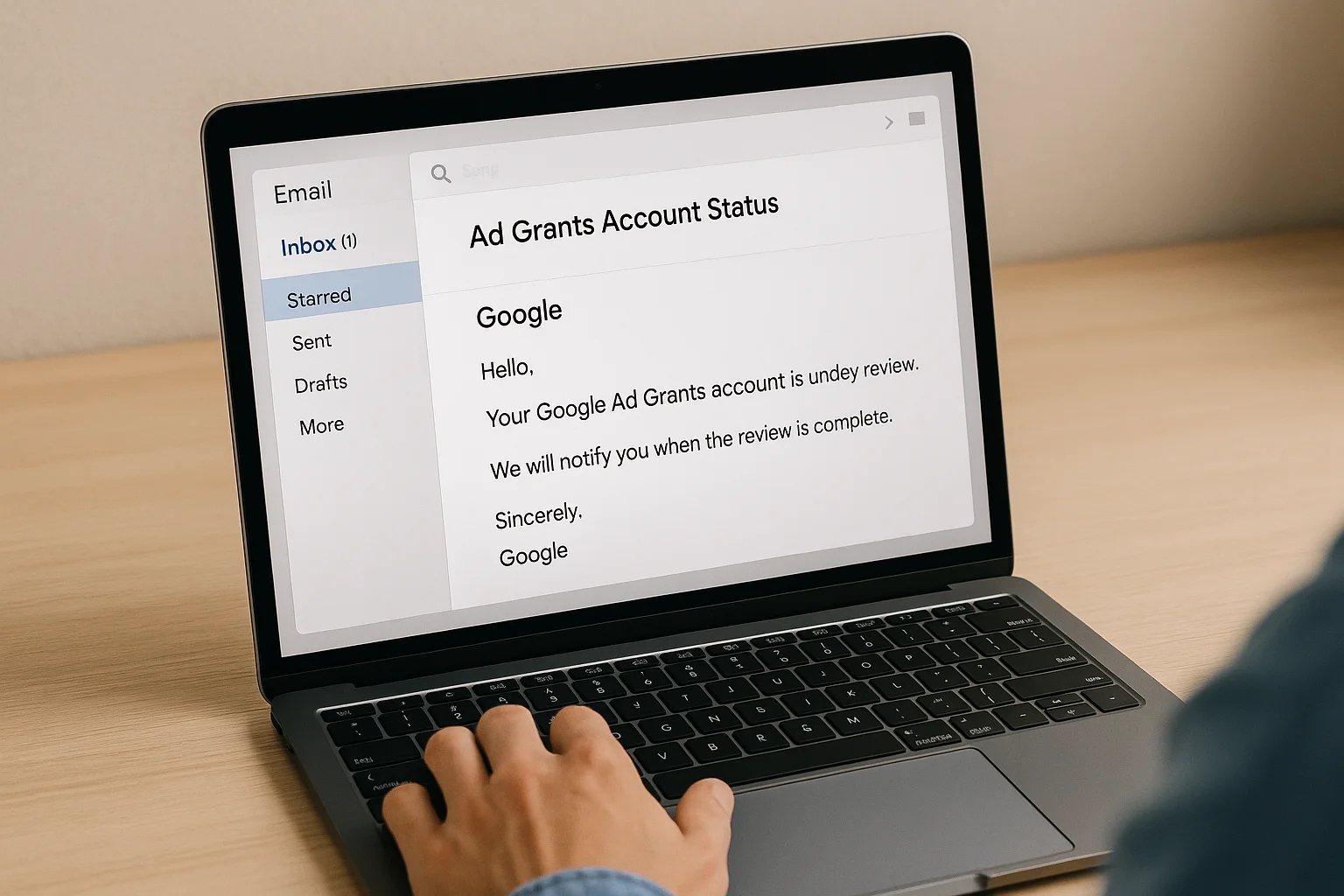
Pending / Under Review
What it means: Your account is being reviewed by Google. This can happen during initial application, after a reactivation request, or during a periodic compliance review.
What to do: Wait. Don't make changes during the review period. Typical review times are 5-10 business days. If it's been more than 15 business days, follow up via Google support.
How to Check Your Account Status
- Log into Google Ads
- Look for any banner notifications at the top of the dashboard
- Check your email (including spam/promotions folders) for messages from Google Ad Grants or Google for Nonprofits
- Go to Admin, then look for any account-level notifications
- If you can't determine the status, contact Google Ads support with your Customer ID
Status Comparison Table
| Status | Can Ads Run? | Data Preserved? | Typical Recovery Time | Recovery Difficulty |
|---|---|---|---|---|
| Active | Yes | N/A | N/A | N/A |
| Deactivated | No | Yes | 5-10 business days | Straightforward |
| Suspended | No | Yes | 5-15 business days | Moderate |
| Cancelled (voluntary) | No | May be preserved | 2-4 weeks (reapply) | Moderate |
| Cancelled (eligibility) | No | May be preserved | Varies | Depends on cause |
| Cancelled (repeated violations) | No | May be preserved | Uncertain | Difficult |
| Pending | No | N/A | 5-10 business days | Just wait |
What Google's Notification Email Tells You
When your account status changes, Google sends an email. This email is critical because it identifies the specific reason for the status change. Check for it in:
- Your primary inbox
- Spam/junk folder
- Promotions tab (Gmail)
- The email address associated with the Google Ads account (which may not be your personal email)
The email will typically reference specific compliance areas that need attention. Use it alongside our 13 common suspension reasons guide to build your fix list.
Diagnose Your Account Status with GrantMax
GrantMax audits your account regardless of its current status and identifies every compliance issue that needs fixing. If you're deactivated or suspended, GrantMax gives you the complete fix list so you can address everything in one reactivation attempt.
Prefer to hand it off to an expert? Our Google Ad Grant management services include suspension recovery and prevention. Explore Grant Services
Frequently Asked Questions
Is "deactivated" the same as "suspended"? In practice, Google uses these terms somewhat interchangeably for compliance-related account pauses. The recovery process is the same for both: fix compliance issues, submit a reactivation request. "Cancelled" is distinctly different and more serious.
How many times can an account be suspended before it's permanently cancelled? Google doesn't publish a specific number. However, repeated suspensions (3+ times) significantly increase the risk of permanent cancellation. Each suspension should be treated as an opportunity to fix the root cause permanently, not just patch the immediate issue.
Can I check status if I don't have account access? If you can't log into the Google Ads account, you'll need to recover access first. Without login access, you can't check the status directly. You can try contacting Google support with your organization's details.
Does this terminology apply to Grant accounts globally? Yes. The account statuses and their meanings are the same for Grant accounts in every country.
Key Takeaways
- Deactivated/Suspended: Compliance violations; fix issues and submit reactivation request
- Cancelled: More serious; recovery depends on the cause (voluntary, eligibility, repeated violations)
- Check your email for Google's notification explaining the specific reason
- Most statuses are recoverable with the right approach
- Data is preserved in deactivated and suspended accounts
- Repeated suspensions increase the risk of permanent cancellation
- Don't wait: address any non-active status immediately to minimize lost advertising time
Published: March 2026 | Last Updated: March 2026 | Author: GrantMax Category: Troubleshooting | Tags: Troubleshooting, FAQ